

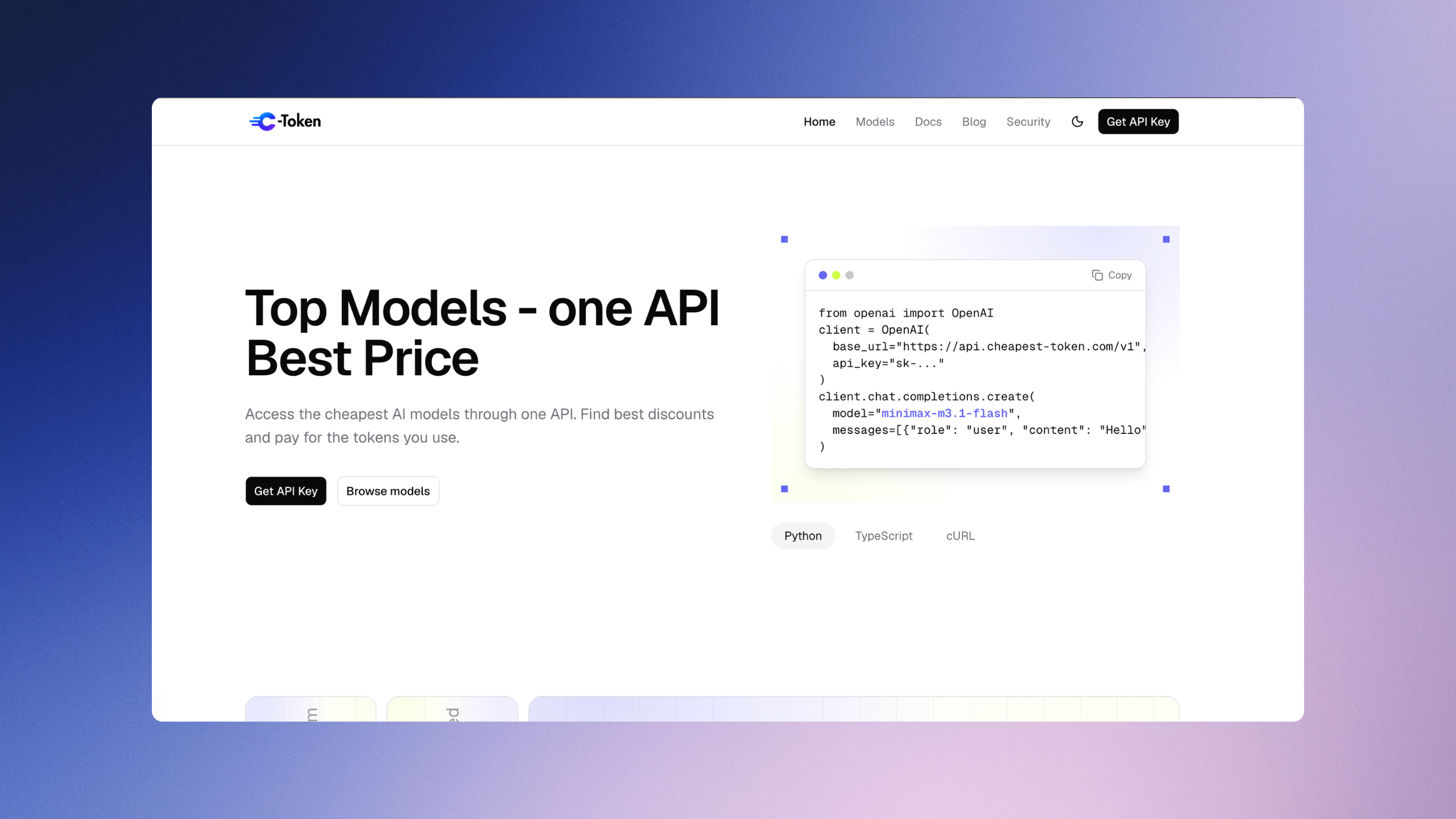
Finding the right AI model shouldn't mean navigating multiple APIs or complicated pricing. CheapestToken brings supported AI models together through one OpenAI-compatible API, with competitive token pricing and prepaid billing. Developers can explore available models, compare prices, and manage API usage through one platform.
20 AI Models, One Platform
CheapestToken currently offers 20 models across eight model families, giving developers a range of options to explore based on their project requirements and budget. The GPT family includes GPT-5.5, GPT-5.6 Luna, GPT-5.6 Sol, GPT-5.6 Terra, GPT-6 Astra, GPT-6 Luna, GPT-6 Sol, GPT-6.1 Sol, GPT-6.1 Terra, and GPT-Chat Latest. Other available models include Grok 4.6, Grok 4.7, DeepSeek V4 Pro 0813, DeepSeek V4.1 Flash 1017, GLM5.3, GLM5.3 Flash, Kimi K3, MiniMax M3.1-Flash, NVIDIA Nemotron 3.5 Super VL, and Qwen3.8-Max. Each model listing provides its model ID and available pricing details, helping developers compare options before integration. Visit the AI model catalogue to explore current availability, context lengths, token rates, and discounts.
Competitive AI API Pricing
Compare token prices across supported models before choosing an option for your application. The catalogue displays input, cached-input, output, and applicable write-token rates where available. Selected models offer discounts of up to 30%, depending on the model. Check the catalogue for current pricing and applicable discounts.
One API, Straightforward Integration
CheapestToken provides an OpenAI-compatible API interface for supported models. Developers can configure their applications using the documented endpoint, authentication details, and relevant model IDs. Compatibility and supported features may vary by model. The API documentation explains the configuration and integration process.
Pay for the Tokens You Use
With prepaid wallet credits and pay-per-token billing, you can add funds to your account and pay according to the applicable rates and tokens consumed. The console provides access to usage records, wallet transactions, and account activity, helping you monitor your API spending without a conventional monthly subscription for API usage.
Get Started with CheapestToken
Create an account, add prepaid credits, and generate an API key through the console. Follow the documentation to configure your API endpoint, select a supported model, and send your first request. You can then review token consumption and wallet transactions to track your API costs as your usage grows.